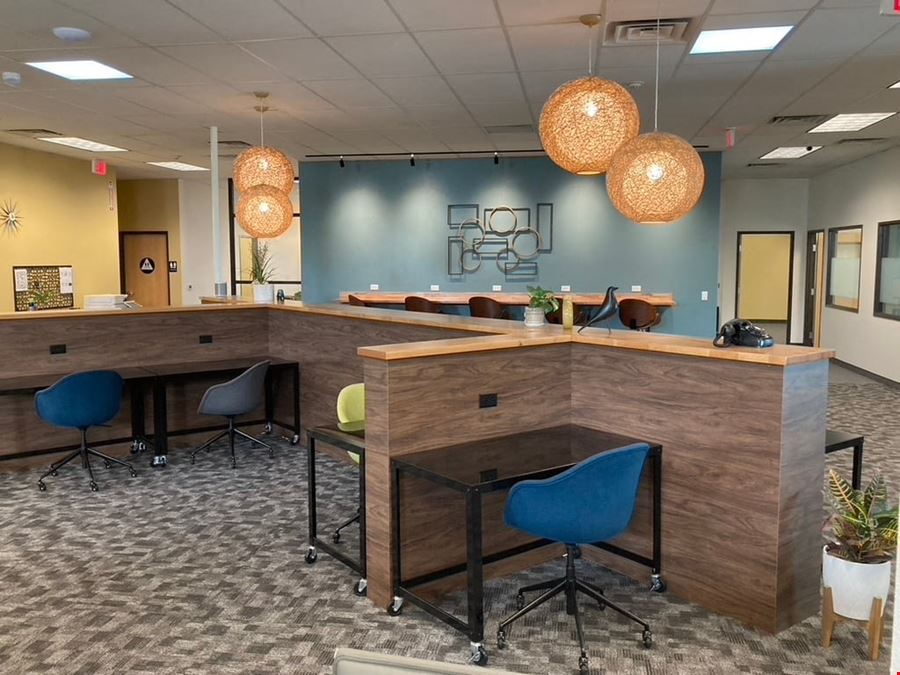
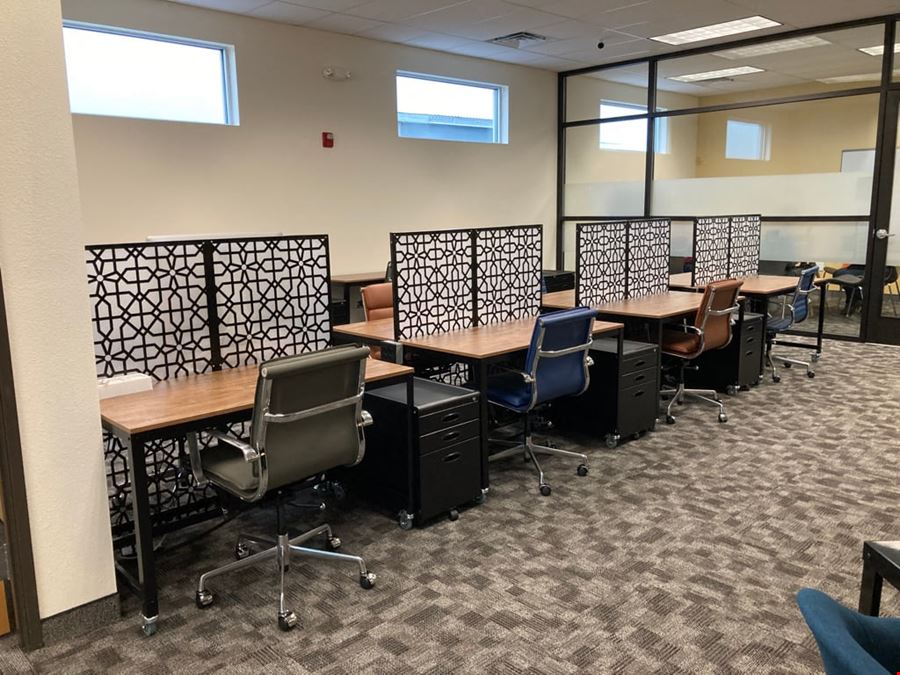
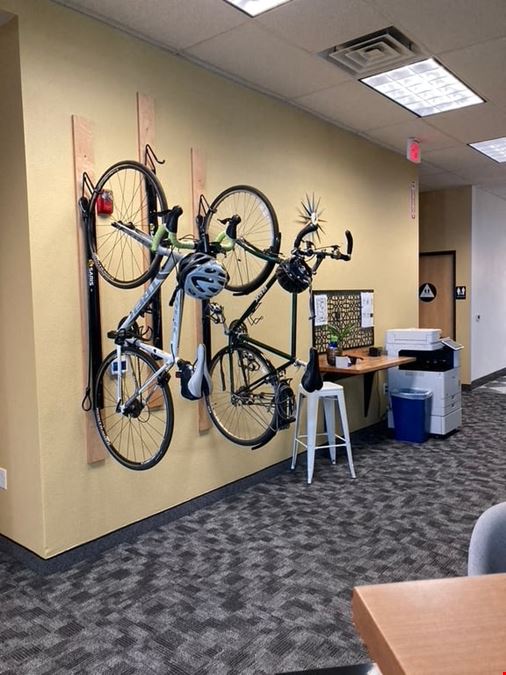
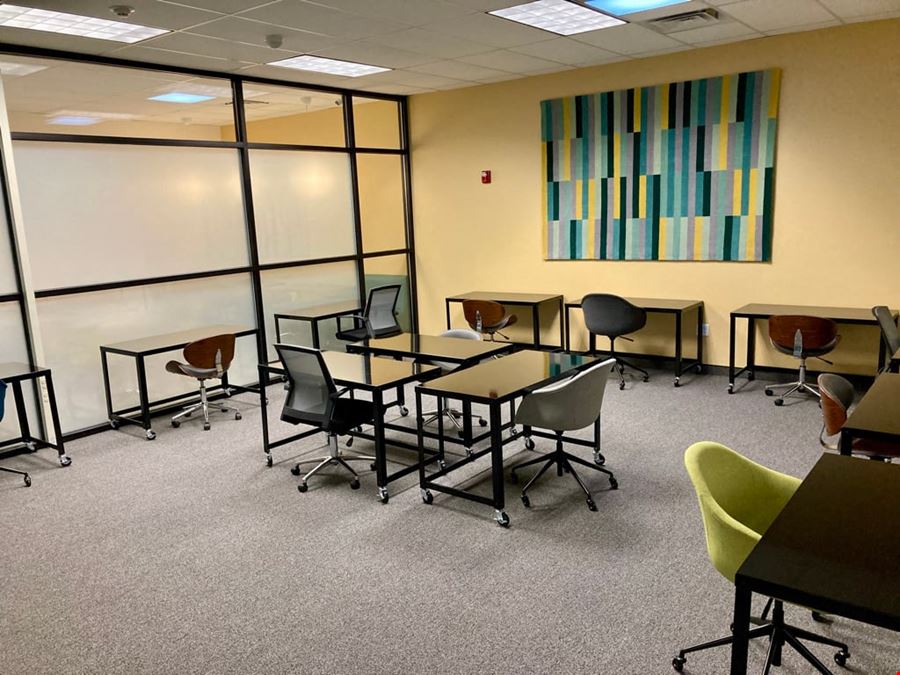
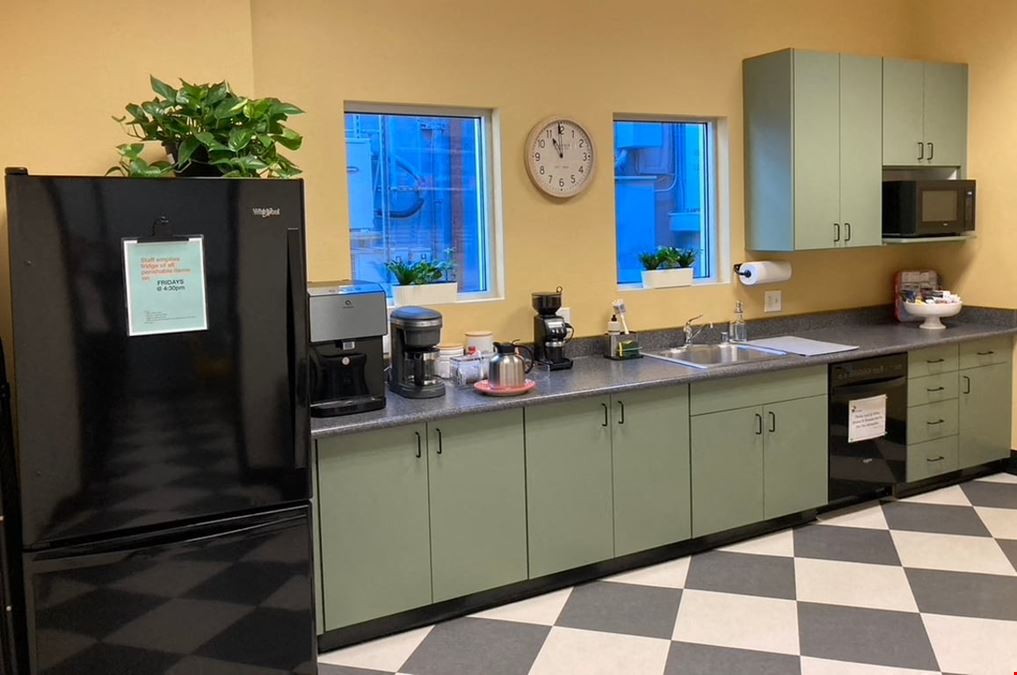
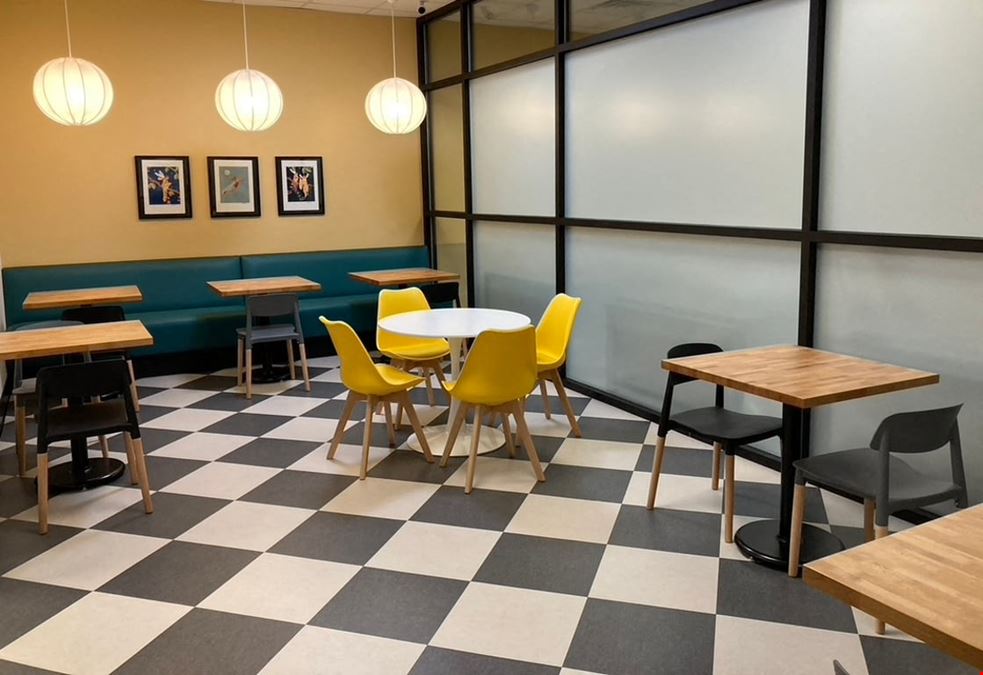
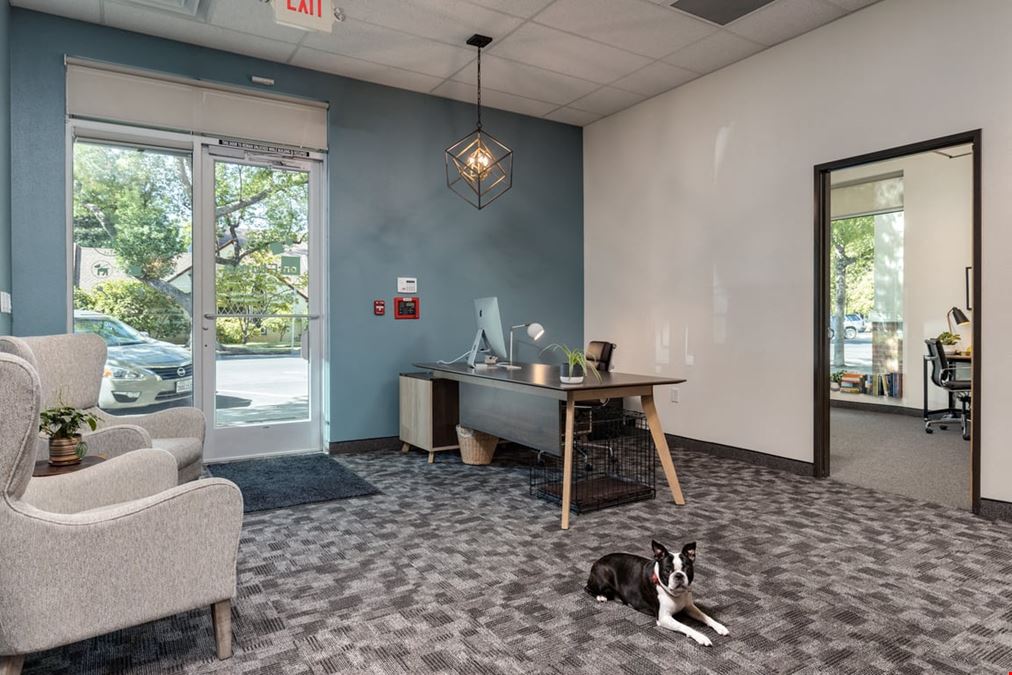

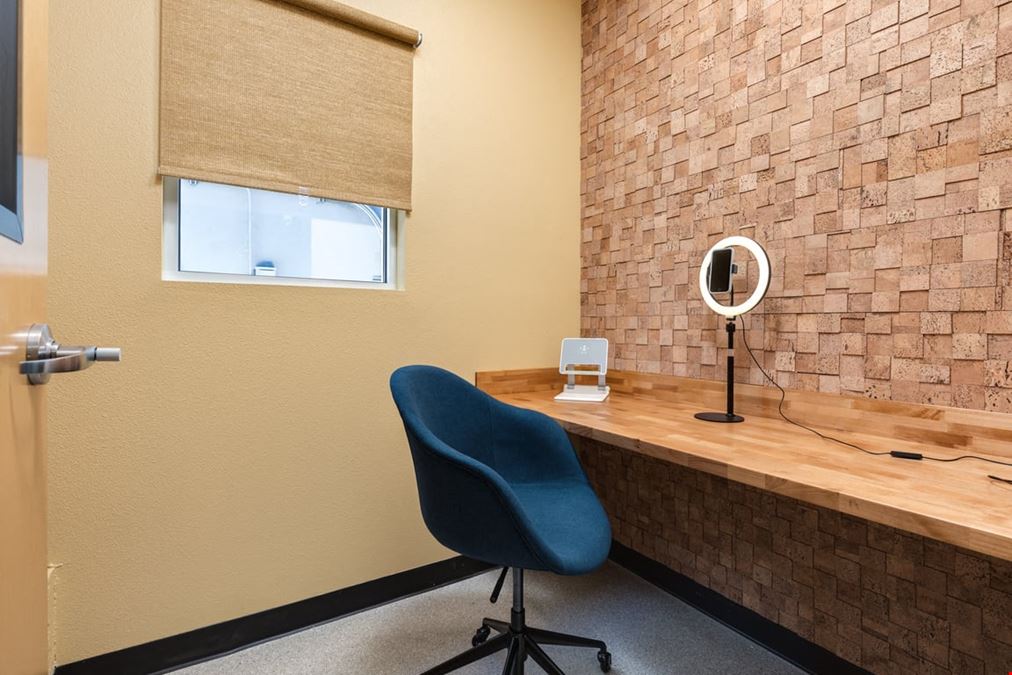
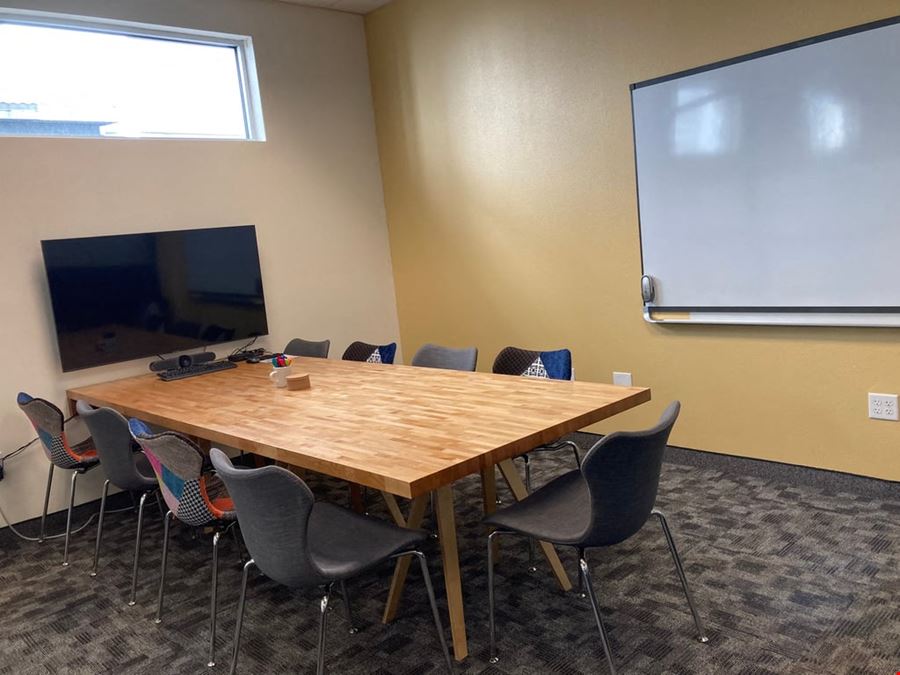
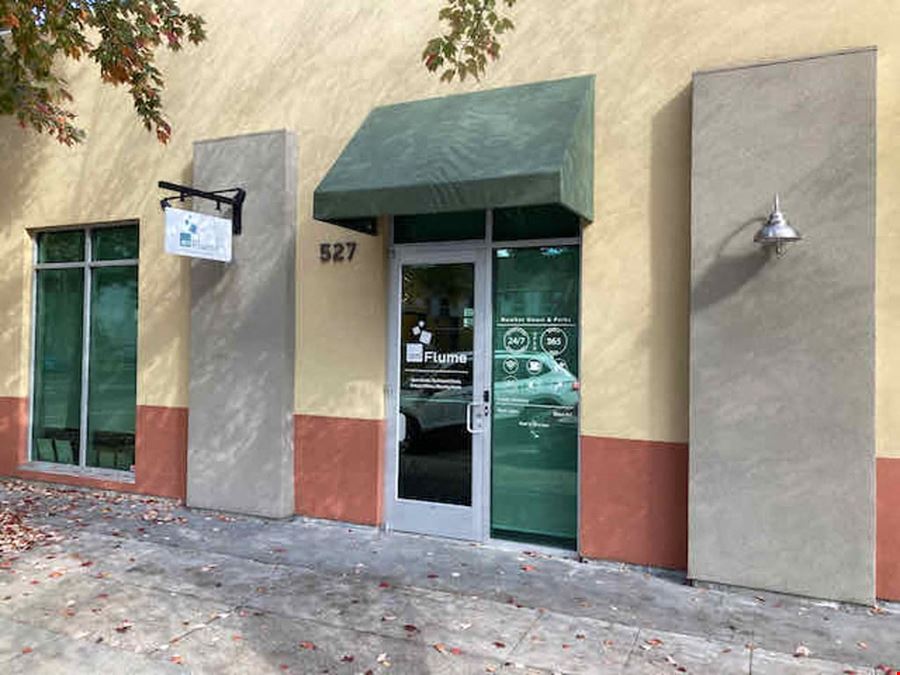
onFlume professional coworking provides a frictionless workplace for a wide range of workers and work styles under one roof. Designed and equipped to make getting work done easy for digital nomads, solo entrepreneurs, start-ups, and teams. Come in, get yourself a cup of great coffee, tea or filtered water, and get to work. The Community Manager (M-F, 9-5) is there to make sure the coworking space runs smoothly and all the little details are managed. You don’t have to spend a minute thinking about printer ink or coffee filters!
Nexkey Access - onFlume uses Nexkey to provide a seamless access to our site using nothing but your smartphone or Apple Watch. This enables us to go completely keyless.
Setting up your account - Download the Nexkey App and Sign up as a new user. Enter your name, phone number, and create a password. Read and accept Nexkey’s Terms & Conditions to continue. Verify your mobile phone number by entering the code sent to your mobile phone when prompted. Enter your email address. If you received an invitation to Nexkey by email, enter that exact email address here.
Verify your email address by entering the 6 digit verification code sent to your email when prompted.
Once you verify both your phone number and email address, you will then be logged in. If you do not yet have any keys in the app when you navigate to the ‘Keys’ tab, contact your Community Manager to make sure you’ve been given access.
While standing next to the Main Entry on Flume Street:
Open the app and tap “Main Entry”, when you see the Check Mark the door is unlocked
For interior doors Open the app, tap the Core, wait for light to stop blinking, turn the Core as you would a key and you’re in!
If Nexkey malfunctions in anyway, please send a BUG report by going to “more” in the app, then “Help & Support” and “Submit Bug Report”